

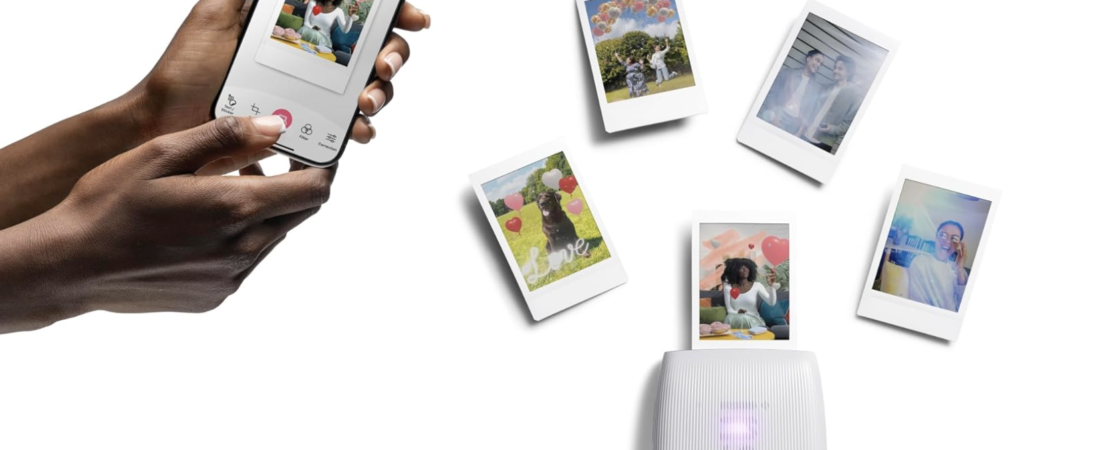
Instant printing doesn’t just mean old-school Polaroids anymore, Fujifilm’s Instax Mini Link range turns your smartphone photos into tangible memories within seconds. These compact Bluetooth printers make it fun and easy to print pictures from your phone with creative effects, filters, and more.
In this post, we’ll break down what the Instax Mini Link series actually is, how it works, the accessories you’ll want, how to use it, and then compare the three main models: Mini Link, Mini Link 2, and Mini Link 3.
*As an amazon associate I earn from Qualifying purchases*
What Are Instax Mini Link Printers?
Instax Mini Link printers are portable smartphone-connected photo printers that instantly print credit-card-sized photos using Fujifilm Instax Mini film (sold separately). Instead of being a camera, they receive photos from your phone via Bluetooth and print them out on real instant film — perfect for scrapbooks, parties, gifts, or decorating your room.
Unlike traditional cameras, you don’t take photos with the printer — you send photos from your phone, edit them in the app, and print. This makes them super flexible and easy to use for all ages.
Should I buy the latest version?
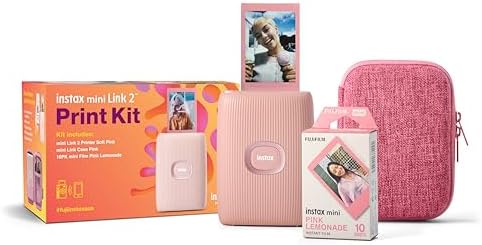
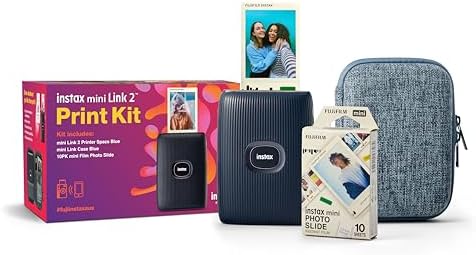
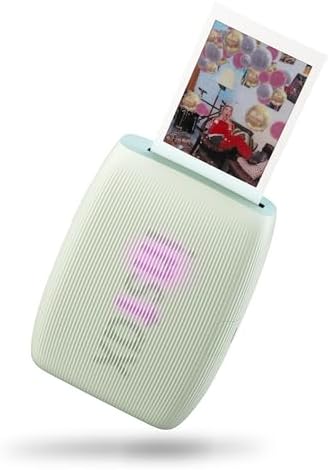
The biggest upgrade with the Mini Link 3 compared to the Mini Link Classic and Mini Link 2 is the addition of USB-C charging, along with front LED lights that clearly indicate battery levels. Aside from these updates, the overall features of the Mini Link 3 remain very similar to those of the Mini Link and Mini Link 2.
I personally own the original Mini Link, and it has lasted me over five years — and I still love it. I’ve taken it to countless girls’ weekends, birthday parties, weddings, baby showers and Christmas celebrations since buying it. The only reason I would consider upgrading is the convenience of USB-C charging instead of Micro USB. Since USB-C is the same charger my phone uses, it means one less cable to remember when I’m on the go.


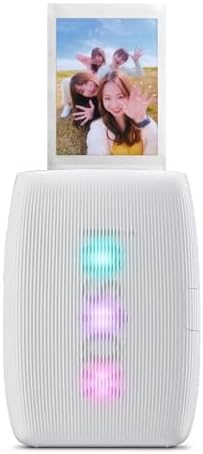

📱 How the Instax Mini Link Printers Work
Here’s a step-by-step of how printing works:
- Install the Instax Mini Link app (free on iOS or Android)
- Connect your phone to the printer via Bluetooth.
- Select a photo in the app and customize it with filters, frames, collages, stickers, and creative modes.
- Hit print — the printer prints out on Instax Mini film (86 × 54 mm) in around 15 – 20 seconds.
All models use the same Instax Mini film, so you don’t have to buy different film types for different printers.
📦 Useful Accessories for Mini Link Printers
While the printer itself is ready to go out of the box, these accessories make your experience even better:
Must-Have Accessories
- Extra Instax Mini film packs — essential since prints are one-use only
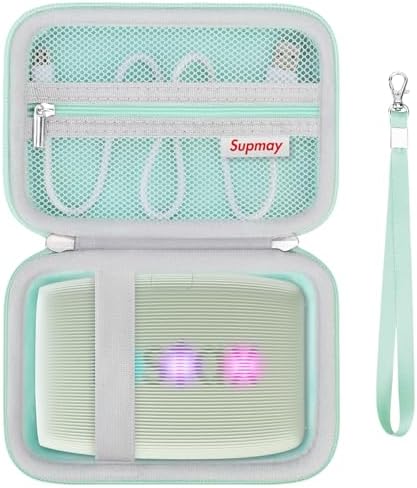
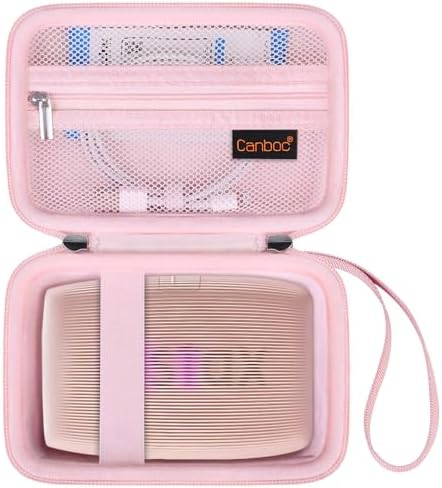
- A protective case to carry your printer safely (Honestly, mine lives in a repurposed makeup bag that I can fit the charging cable, an extra pack of film and the printer.
- Photo albums or magnet frames to store and display prints
Fun Extras
- Stickers & decorative borders for customizing prints
- Fairy lights or clips for displaying photos on a wall or desk
- Carrying straps or pouches for portability
These aren’t required, but they make creating and sharing photos way more fun!
📷 How to Use Your Instax Mini Link Printer
Here’s a quick workflow:
- Download the Instax Mini Link app and pair your device with the printer.
- Choose from creative features like collage printing, frames, filters, text and sticker overlays.
- Position your phone, edit your photo, and press “Print.”
- Watch the credit-card-sized photo print out and develop — then enjoy!
TIP: Most models have “remote shooting” so you can use your phone as a shutter or capture via app, then print instantly — great for group photos.